 Hussain Mansoor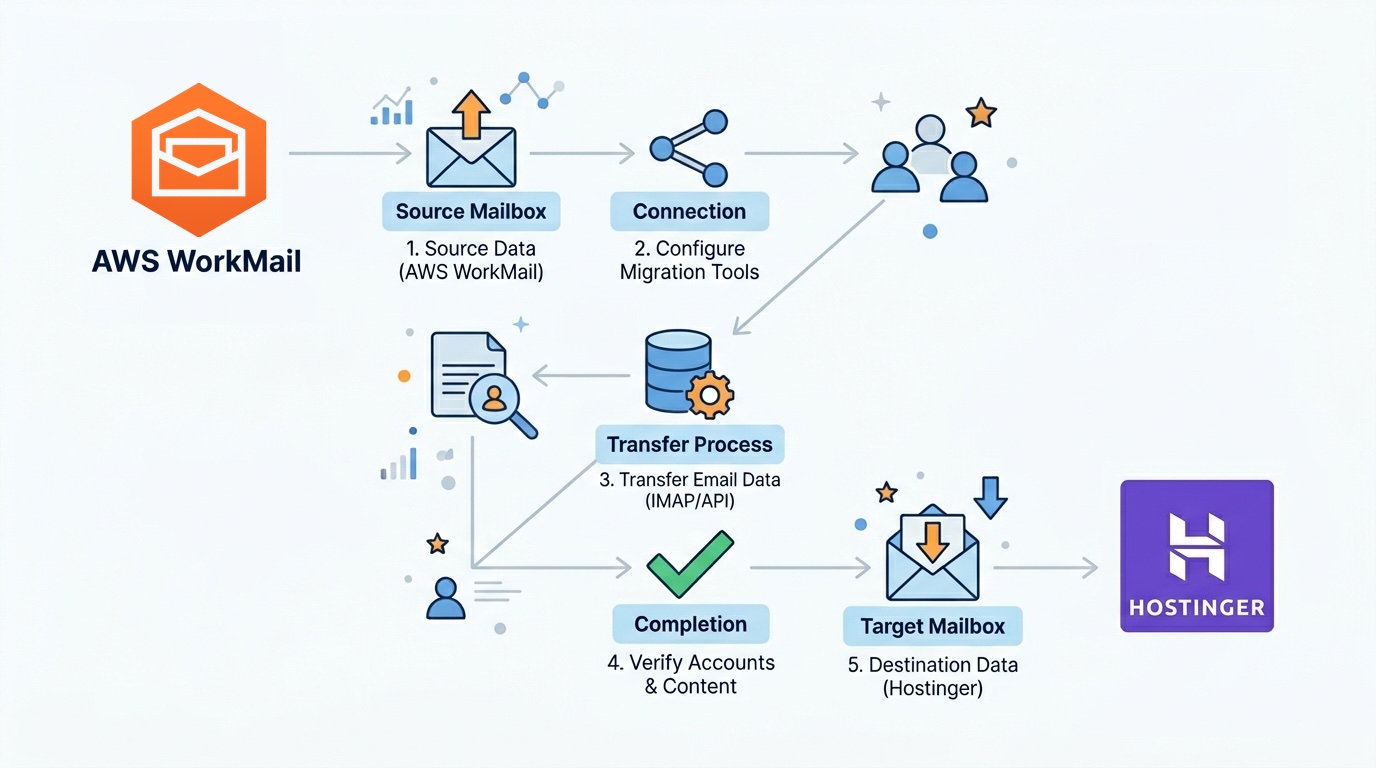
“To make an apple pie from scratch, you must first invent the universe.” Carl Sagan
I love this quote whenever I think about or discuss developing software from scratch. I believe the reasoning behind using Cloud Computing services is similar. So that we don’t have to build, maintain or enhance these hardware / software services ourselves. Although this opens many doors, it also creates hard dependencies. In the real world, we almost always accept these dependencies and build our products on top of such tools / services. The problem with this dependency is that we don’t have control over when any of such dependency is killed deprecated.
We have famous Google Graveyard sites like (Killed by Google and The Google Cemetery). I tried to search something similar for AWS but couldn’t find any. To my dismay, I was using AWS WorkMail to provide (business) email services to my clients. About WorkMail, I like the flat (per inbox) pricing, default 50GB per inbox storage and easy configuration. Few things which I despise about it is the new UI webapp which was as clunky as the original version. No autodiscovery feature to be used by email clients like Outlook. AWS Region names in the IMAP and SMTP URLs. By default, no delete policy for trash or spam folder. No option of password reset by the user unless you’re on ActiveDirectory or using IAM Identity Center. You have to be quite technical to maintain it as service provider and regularly help your end-users with setup. They can’t easily do self-serve as with other email service providers. But at the end of it, it works consistently. Until it didn’t. AWS WorkMail End of support.
Now I have to explore and figure out a provider which should support migration, should be same price (or cheaper), good enough storage, must be reasonably popular so that their services are not blacklisted and ample support available online. I found google workspace, ProtonMail and Hey are all expensive than AWS Workmail. I stopped checking Go-Daddy for anything from the days when they used to show sexist advertisement. Zoho Mail, Neo, IONOS and others were not suitable for factors like missing transparent pricing, data residency, privacy, or security features. Hosting email services myself would be cheaper but Total Cost of Ownership would be high. Bluehost was close but I settled with Hostinger.
Hostinger Mail has this useful feature that when you pay for a year it’s cheaper, when you pay for 2 years its more than 2 times cheaper, and so on. I ended up paying for 4 years in advance because that is the maximum they allow. Now hostinger uses IMAP to migrate email from almost any Email provider and have good controls like setting up Alias, Forwarder rules, etc. All the links like MX records, IMAP and SMTP link are straightforward. And after updating MX records it took 5 minutes before email started working again. Email client web application is really polished and far ahead with what was AWS WorkMail provides. I can add any number of mailboxes with few clicks and default storage is 10GB per inbox. You can purchase 30 GB for $4.99/mo and you can split it to multiple mailboxes which is sweet.
Migration Plan
- I selected Buy email on Hostinger Portal (https://hpanel.hostinger.com/emails)
- Given my domain was not on Hostinger, I have to verify the domain by setting up DNS TXT record
- I selected Started Business Email plan which is only $18.72 for 4 years per inbox! Renews at $1.59/mo
- Complete Payment
- Under “Manage mailboxes” created new mailboxes in hostinger first using same usernames as the Users in AWS Workmail
- Then I set the TXT and CNAME records for hostinger as part of setting Connect domain. I purposefully skipped updating MX records as I wanted to make sure email migration is success before I cut off old service
- I selected Email Import and created Import Requests for all of my mailboxes. This took few hours as AWS WorkMail didn’t delete any Trash/Junk emails by default and everything was migrated
- Once the migration was successful, I verified the emails via Hostinger Mail Web Client
- Finally I updated my MX records to mx1.hostinger.com and mx2.hostinger.com and within 5 minutes, email started working
- I then disabled the users in AWS WorkMail and waited for all the users to confirm everything is working before cleaning up AWS
- Had to update all the configurations in Outlook and Mac OS Mail app. Had to re-authenticate Send As feature in Gmail and set the Forwarders in Hostinger as required
The migration ended up being much smoother than expected, but the experience reminded me that every managed service introduces long-term dependency risks. Convenience today can become migration work tomorrow. This activity also became a motivation for me to believe that cloud provided service might not be the best one in all scenarios just because other parts are on cloud. Here’s a referral link for Hostinger Business Email Plan if you are also looking to migrate away from AWS WorkMail.